WEB DESIGN · 3-SECOND RULE
The 3-Second Rule: What It Means and Why It Hurts If You Ignore It
Visitors decide whether to stay on your site in about 3 seconds. For Bath trades that means losing calls to faster competitors. Here is what the rule actually means and how to pass it.
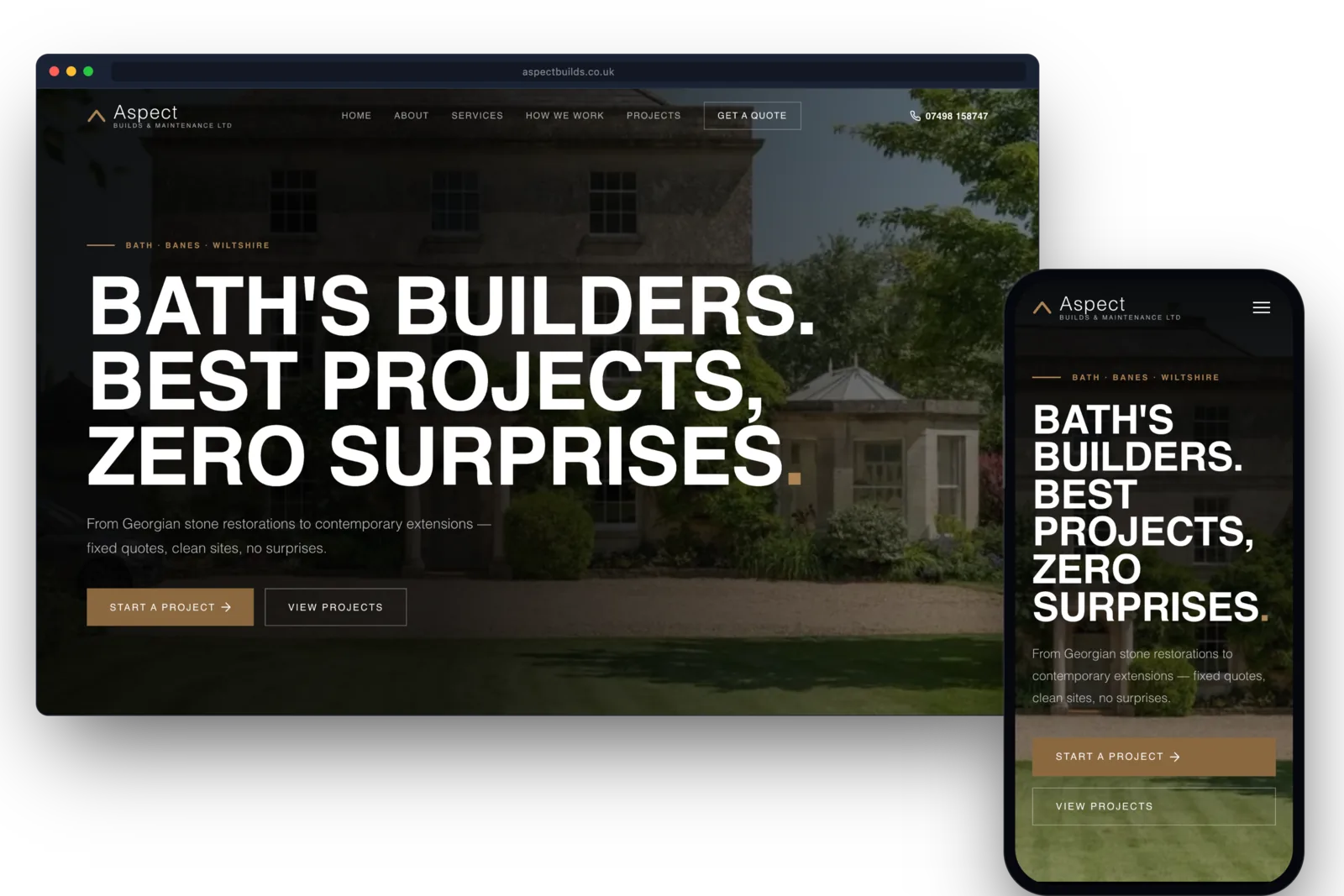
The 3-second rule is simple: if your website has not communicated who you are, what you do, and how to contact you within 3 seconds of landing, the visitor is gone. The rule comes from usability research at the Nielsen Norman Group in the 1990s and has been revalidated in every web-speed study since — including Google's own data, which shows that 53% of mobile visitors abandon a page that takes longer than 3 seconds to load.
For a Bath trade business, that is not a UX problem, it is a lost-call problem. A homeowner searching "emergency plumber bath" at 9pm with a burst pipe is not going to wait for your hero image to load. They are going to hit back, click the next result, and call the plumber who showed up in under 2 seconds.
What the 3-second budget has to cover:
- Who you are — your business name and trade, visible above the fold. Not buried in a logo nobody can read at small sizes.
- What you do — the services you offer, in plain English, with "from" prices where possible. "Bath plumbing, boilers, emergencies" beats "Welcome to our family of dedicated professionals".
- Where you work — the towns you cover. Bath, Keynsham, Midsomer Norton, BA1, BA2, BA3. If Google cannot see the place names on the page, neither can the visitor.
- How to contact you — a phone number, a click-to-call button on mobile, and a contact form. All three. Phone alone loses people who would rather type. Form alone loses emergency leads who would rather ring.
- 1What you doThe service in plain words, at the top.
- 2Where you workThe places you cover, named.
- 3Why trust youReviews and real job photos.
- 4How to reach youA number you can tap, on every page.
The things that eat your 3-second budget the most:
- Hero video that autoplays. Looks premium, kills load time. We have seen trade sites lose 4 seconds to a 5-second looping video of a kitchen that the visitor never asked for.
- High-resolution background images. A 4MB photograph of a kitchen on the homepage will not load in 3 seconds on 4G. Resize to 200KB or use a CSS gradient.
- Custom web fonts that block rendering. Google Fonts and font services like Adobe Fonts add a request round-trip. Self-host your fonts (we do this — that is why our sites score 95+ on Lighthouse).
- Cookie banners that cover the content. A 100% GDPR-compliant banner is fine. A banner that takes up half the viewport on mobile is not. Keep it under 100px tall and dismissible in one click.
- Slow hosting. Cheap shared hosting (Hostinger, Bluehost entry tiers) will add 500ms-2s to every request because the server is overloaded. We bundle fast hosting with every site we build for that reason.
How to test whether your site passes the 3-second rule:
- Open your site on a phone (not WiFi — turn off WiFi and use 4G/5G to simulate a real visitor).
- Time how long from tapping the result to being able to read your phone number.
- If it is over 3 seconds, you are losing calls. Run Google PageSpeed Insights (free) and look at the LCP (Largest Contentful Paint) score — anything above 2.5 seconds is the metric Google uses to rank you, and it lines up roughly with the 3-second rule.
- The PageSpeed report will tell you what to fix. Usually it is image size, font loading, or hosting.
What "fast" looks like in practice: the main content appears within Google's 2.5-second Largest Contentful Paint threshold on a mid-range phone on mobile data, and the phone number is on screen without scrolling. That is the bar we build to, because it is the bar visitors use for staying.
The 3-second rule is not about being the fastest. It is about not being the slowest. If the competitors on either side of you in the results take several seconds to appear, a site that appears almost at once wins the visitor without any change to your service or pricing.

Mobile Lighthouse · TM Carpentry
- Performance
- Accessibility
- Best practices
- SEO
Performance 100, Accessibility 100, Best practices 100, SEO 100
FAQs
Common questions
What is the 3-second rule in web design?
If your website has not told visitors who you are, what you do, and how to contact you within 3 seconds of landing, most of them leave. It is grounded in 1990s usability research from the Nielsen Norman Group and validated every year since by Google's own speed data.
How long should a trade website take to load?
Under 2 seconds on 4G is the realistic target. Google's Largest Contentful Paint metric (which roughly matches the 3-second rule) sets 2.5 seconds as the threshold for "good". Most Wix and template sites score 4-6 seconds on 4G — that is where the lost calls go.
How do I check my site speed?
Free: Google PageSpeed Insights (pagespeed.web.dev) and GTmetrix. Both give you a score and a list of fixes. PageSpeed's "Largest Contentful Paint" is the metric to focus on — it is what Google uses for ranking.
Related pages
- Web design · 7 min readDecorators in Bathwick: show your best jobs online
- Web design · 6 min readHow long does a website take in Bath? Live before Christmas
- Web design · 5 min readHow to Choose a Web Designer in Bath (Without Getting Burned)
- Web design · 5 min readDo Trades Still Need a Website If Google Maps Does the Work?
FREE · NO OBLIGATION
Want a free read of your website and Google Business Profile?
We will tell you exactly where you rank, what is missing, and what you can do this week to fix it. No contract, no follow-up loop.